Game Server Hosting
Factorio
Host a Factorio dedicated server for co-op factory building. Official headless server always on the latest stable version, autosaves every 10 minutes, full console access with chat and join events, and instant setup. Space Age compatible.
$2.50/monthfor the 1GB Factorio needs
Plans start at $2.50/month, then $1 per extra GB. It's the same price for every game we host — you're paying for RAM, not the title — so one subscription runs Factorio today and anything else tomorrow.See how pricing works
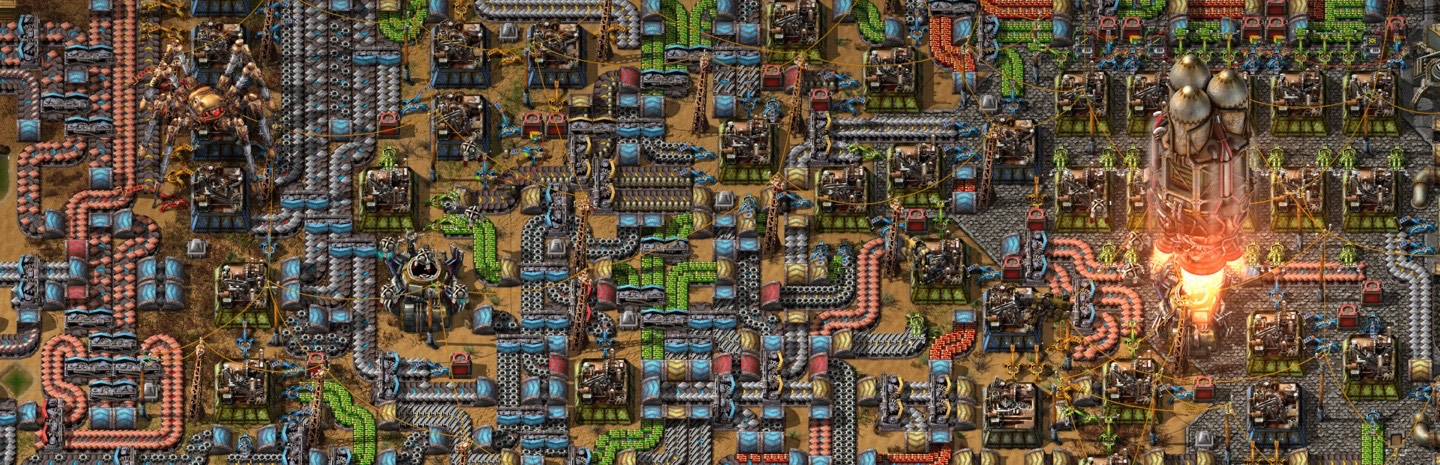
© Wube Software
Features
Minimum recommended RAM: 1 GB
How much RAM do you need?
Honest sizing from running thousands of Factorio servers — start small, add RAM anytime with a couple of clicks.
| Players | Recommended RAM | Notes |
|---|---|---|
| 1–10 | 2 GB | Typical factory through launch |
| 10–30 | 3 GB | Big base, marathon settings |
| Megabase | 4 GB+ | UPS becomes the limit before RAM |
How to make a Factorio server
The factory must grow — even while you sleep. A dedicated Factorio server is tiny, fast, and keeps the belts running for the whole team.
- 1
Create your server
Start the free 7-day trial (no credit card) or pick a plan — 1 GB genuinely suffices — Factorio's headless server is famously efficient. Then hit Create Server in the panel, choose Factorio and your region, and the server installs itself. Your server's address and port appear on the server page as soon as it's up.
- 2
Start or upload a save
A new map generates on first boot in about a second. To continue an existing factory, upload your save through the file manager. The server auto-updates to new Factorio releases and saves the map cleanly on every stop.
- 3
Join the server
In Factorio choose Multiplayer → Connect to address and enter the address and port from your server page. Headless servers include Space Age support out of the box.
Why FadeHost?
Every game server includes these features at no extra cost.
DDoS Protection
Enterprise-grade protection keeps your server online during attacks.
Instant Setup
Your server is ready in seconds after payment. No waiting.
Automatic Backups
Scheduled backups with one-click restore and file browsing.
Flexible RAM
Split RAM across multiple servers. Add more anytime, no downtime.
24/7 Support
Real humans, fast response times. We're here when you need us.
Full Control
Console access, file manager, scheduled tasks, and team sharing.
Frequently Asked Questions
How much RAM does a Factorio server need?
Factorio is wonderfully efficient: 2 GB runs most factories, 4 GB covers megabases. It's usually UPS (updates per second) and CPU that bound giant factories, not memory — and our nodes run fast cores.
Do players need a Factorio licence to join my server?
Each player needs their own copy of the game, but the headless server itself needs no licence — your server slot is purely infrastructure.
Does it support Space Age?
Yes — the headless server includes the Space Age expansion content; enable the expansion mods and players with Space Age can play it on your server.
How do saves work? I'm scared of losing my factory.
Factorio autosaves on an interval you control, and our stop sequence triggers a final save before the process exits — verified, not assumed. Scheduled off-site backups add restore points on top of that.
Can I run mods?
Yes — upload mods via the file manager, or sync your mod-portal list. Players auto-download missing mods when joining, which makes modded Factorio one of the easiest modded games to host.
Ready to host your Factorio server?
Get started in seconds with instant setup and DDoS protection included.
Get Started