Game Server Hosting
Valheim
Host a Valheim dedicated server for multiplayer Viking exploration and survival. Easy setup, automatic world backups, mod support, and full server control.
$4.50/monthfor the 3GB Valheim needs
Plans start at $2.50/month, then $1 per extra GB. It's the same price for every game we host — you're paying for RAM, not the title — so one subscription runs Valheim today and anything else tomorrow.See how pricing works
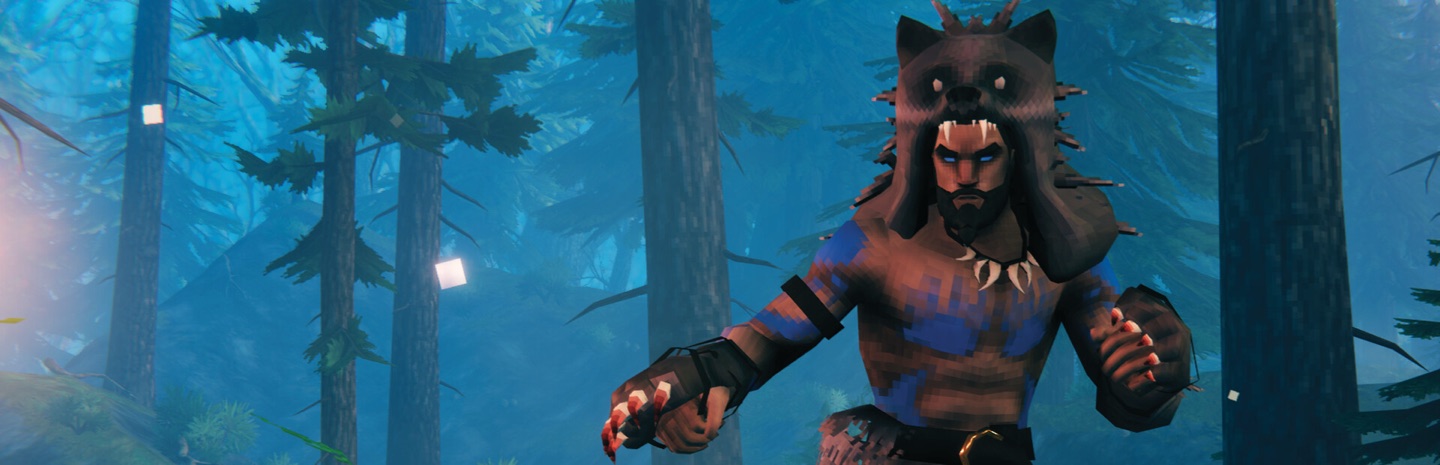
© Iron Gate Studio
Features
Minimum recommended RAM: 3 GB
How much RAM do you need?
Honest sizing from running thousands of Valheim servers — start small, add RAM anytime with a couple of clicks.
| Players | Recommended RAM | Notes |
|---|---|---|
| 2–5 | 4 GB | Standard co-op world |
| 6–10 | 5–6 GB | Full server, mature world |
| Modded | 6–8 GB | BepInEx with content mods |
How to make a Valheim server
A dedicated Valheim server keeps your world alive around the clock — build while your friends sleep, raid when they're back.
- 1
Create your server
Start the free 7-day trial (no credit card) or pick a plan — 3 GB handles a typical viking crew; large builds appreciate 4-6 GB. Then hit Create Server in the panel, choose Valheim and your region, and the server installs itself. Your server's address and port appear on the server page as soon as it's up.
- 2
Set world, password and crossplay
Choose the world name and a password (5+ characters — Valheim requires one for listed servers), and toggle crossplay if Xbox/Game Pass friends should join. An existing world can be uploaded via the file manager.
- 3
Join the server
In Valheim pick Start Game → your character → Join Game, then add the server address and port from your server page (Join IP). The world saves automatically on the server, with scheduled backups on top.
Why FadeHost?
Every game server includes these features at no extra cost.
DDoS Protection
Enterprise-grade protection keeps your server online during attacks.
Instant Setup
Your server is ready in seconds after payment. No waiting.
Automatic Backups
Scheduled backups with one-click restore and file browsing.
Flexible RAM
Split RAM across multiple servers. Add more anytime, no downtime.
24/7 Support
Real humans, fast response times. We're here when you need us.
Full Control
Console access, file manager, scheduled tasks, and team sharing.
Frequently Asked Questions
How much RAM does a Valheim server need?
4 GB is comfortable for the standard 10-player server. Long-lived worlds with sprawling bases benefit from 6 GB. Valheim's server is light on CPU but appreciates fast storage — ours run on NVMe.
Can I upload the world my friends and I already play?
Yes — grab the .db and .fwl files from your local worlds folder, upload them through the file manager, set the world name to match and restart. Five-minute job, everything carries over.
Does crossplay work?
Yes — enable the crossplay flag in the panel and Steam, Microsoft Store and Game Pass players can all join the same server.
Why does my server need a password?
Valheim requires a password for publicly visible servers — the game downgrades visibility if one isn't set. Set both in the panel; friends-only servers can stay unlisted with a password shared privately.
Can I install mods like BepInEx?
Yes — upload BepInEx and your plugins via the file manager or SFTP. Keep in mind every player generally needs matching client mods; vanilla-plus server-side-only mods exist but are the exception in Valheim.
Ready to host your Valheim server?
Get started in seconds with instant setup and DDoS protection included.
Get Started