Game Server Hosting
Project Zomboid
Host a Project Zomboid server for multiplayer zombie survival. Full server settings control, mod support via Steam Workshop, automatic updates, and easy save management.
$5.50/monthfor the 4GB Project Zomboid needs
Plans start at $2.50/month, then $1 per extra GB. It's the same price for every game we host — you're paying for RAM, not the title — so one subscription runs Project Zomboid today and anything else tomorrow.See how pricing works
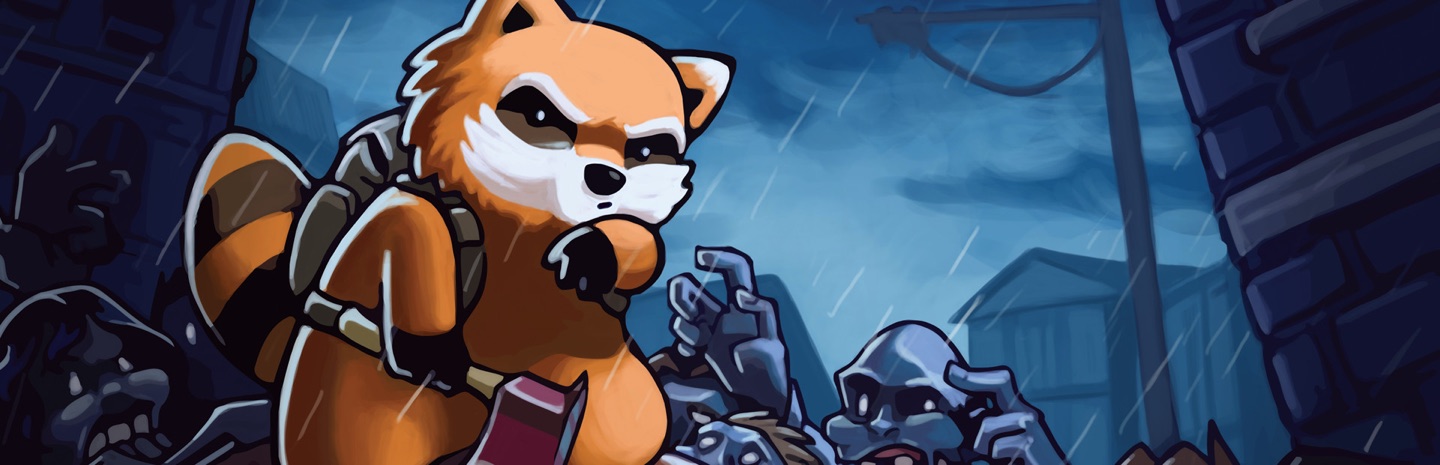
© The Indie Stone
Features
Minimum recommended RAM: 4 GB
How to make a Project Zomboid server
Project Zomboid multiplayer shines on a dedicated server: the world keeps simulating, loot respawns on your schedule, and mods stay in sync for everyone.
- 1
Create your server
Start the free 7-day trial (no credit card) or pick a plan — 4 GB suits a small group; add more for big mod lists or high population settings. Then hit Create Server in the panel, choose Project Zomboid and your region, and the server installs itself. Your server's address and port appear on the server page as soon as it's up.
- 2
Tune the apocalypse
Set server name, password, player slots and sandbox options from the Settings tab. Build 41 and Build 42 are both supported — pick the branch that matches your group's game version.
- 3
Add Workshop mods
Paste Workshop IDs and mod IDs into the server settings and restart — the server downloads the mods itself, and joining players get them automatically through Steam.
- 4
Join the server
In Project Zomboid choose Join, add your server's address and port under Favorites, enter the password, and pick your spawn town. Your character is saved server-side.
Why FadeHost?
Every game server includes these features at no extra cost.
DDoS Protection
Enterprise-grade protection keeps your server online during attacks.
Instant Setup
Your server is ready in seconds after payment. No waiting.
Automatic Backups
Scheduled backups with one-click restore and file browsing.
Flexible RAM
Split RAM across multiple servers. Add more anytime, no downtime.
24/7 Support
Real humans, fast response times. We're here when you need us.
Full Control
Console access, file manager, scheduled tasks, and team sharing.
Frequently Asked Questions
How much RAM do I need for a Project Zomboid server?
4 GB is recommended for up to 16 players. For larger servers or heavy mod usage, 6-8 GB provides a better experience.
Can I install Steam Workshop mods?
Yes! You can add Steam Workshop mods through our control panel by entering the Workshop IDs. Mods are automatically downloaded and updated.
Ready to host your Project Zomboid server?
Get started in seconds with instant setup and DDoS protection included.
Get Started