Game Server Hosting
Minecraft: Bedrock Edition
Host a Minecraft Bedrock server that connects players across PC, Xbox, PlayStation, Nintendo Switch, and mobile. Easy setup with our control panel, automatic updates, and full addon support.
$3.50/monthfor the 2GB Minecraft: Bedrock Edition needs
Plans start at $2.50/month, then $1 per extra GB. It's the same price for every game we host — you're paying for RAM, not the title — so one subscription runs Minecraft: Bedrock Edition today and anything else tomorrow.See how pricing works
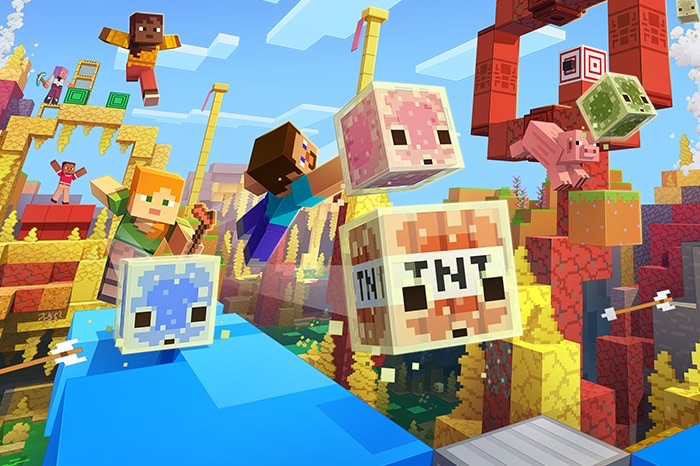
© Mojang Studios
Features
Minimum recommended RAM: 2 GB
How to make a Minecraft: Bedrock Edition server
Bedrock servers let friends on phones, tablets, consoles and Windows all play together. Setup on FadeHost is a two-minute job.
- 1
Create your server
Start the free 7-day trial (no credit card) or pick a plan — 2 GB is plenty for a friends server. Then hit Create Server in the panel, choose Minecraft: Bedrock Edition and your region, and the server installs itself. Your server's address and port appear on the server page as soon as it's up.
- 2
Configure the basics
Set the server name, game mode, difficulty and max players from the Settings tab. World files are yours — upload an existing world through the file manager if you have one.
- 3
Join from mobile or PC
In Minecraft go to Play → Servers → Add Server and enter the address and port from your server page. On Windows, iOS and Android this works out of the box.
- 4
Invite console players
Xbox, PlayStation and Switch don't show custom servers natively — players there use the well-known BedrockConnect / DNS method to reach custom servers. PC and mobile friends can join directly meanwhile.
Why FadeHost?
Every game server includes these features at no extra cost.
DDoS Protection
Enterprise-grade protection keeps your server online during attacks.
Instant Setup
Your server is ready in seconds after payment. No waiting.
Automatic Backups
Scheduled backups with one-click restore and file browsing.
Flexible RAM
Split RAM across multiple servers. Add more anytime, no downtime.
24/7 Support
Real humans, fast response times. We're here when you need us.
Full Control
Console access, file manager, scheduled tasks, and team sharing.
Frequently Asked Questions
Can console players join a Bedrock server?
Yes! Minecraft Bedrock supports cross-platform play. Players on Xbox, PlayStation, Nintendo Switch, mobile, and Windows 10/11 can all join the same server.
How much RAM do I need for a Bedrock server?
Bedrock is more lightweight than Java. 2 GB is sufficient for up to 20 players. For larger servers or heavy use of addons, 3-4 GB is recommended.
Ready to host your Minecraft: Bedrock Edition server?
Get started in seconds with instant setup and DDoS protection included.
Get Started